Sequence your light show in a browser tab.
pixl is an open source sequencer for pixel light shows, in the spirit of xLights desktop. Layout, sequencer, controllers and shaders, running anywhere you have a browser and an internet connection, with your files saved as you go.
What you get
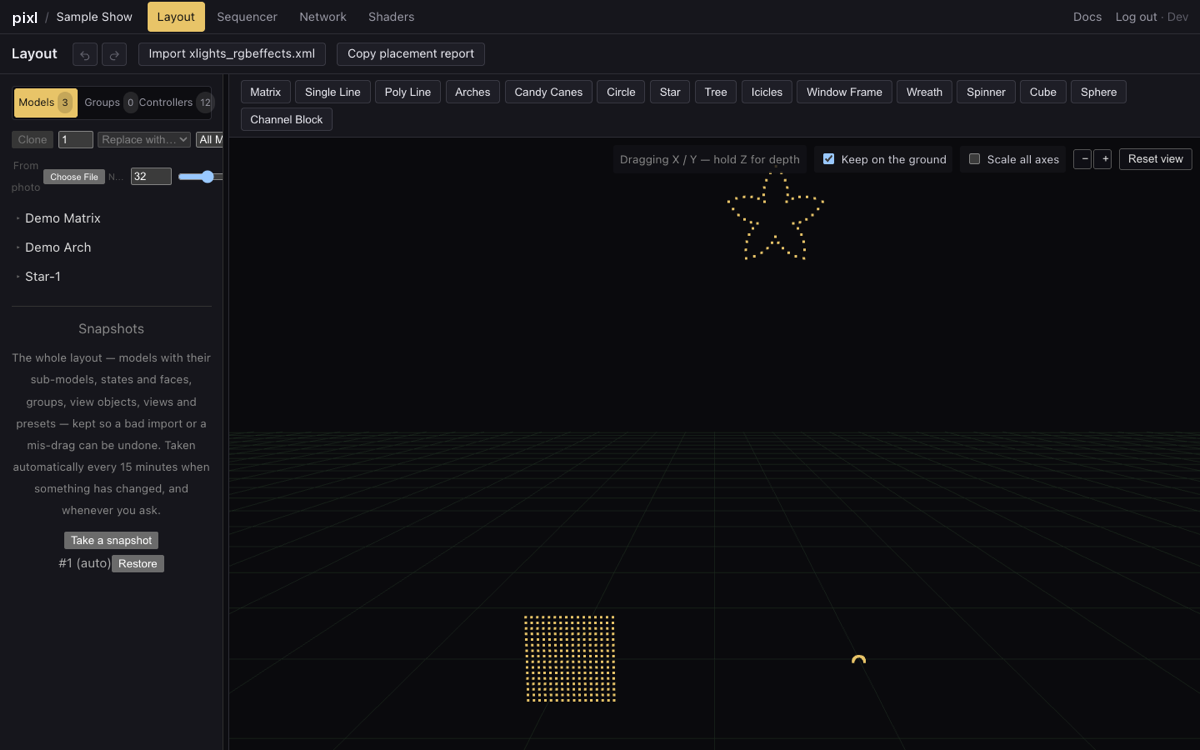
Layout in 3D
Twelve model types, drag them into place, resize and rotate, undo, right-click to align with the ground. Imports your xLights layout file.
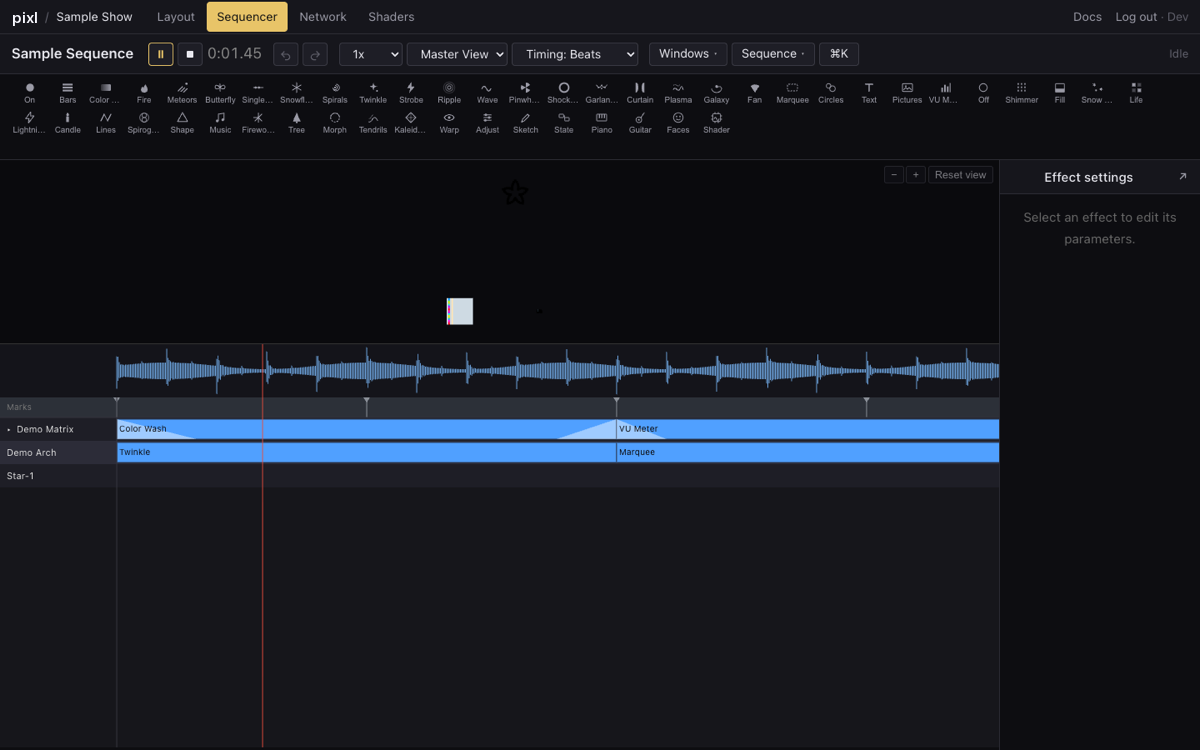
The sequencer you know
Effects, value curves, transitions, audio-reactive effects, timing tracks with beat detection, Papagayo and MIDI import. Exports fseq for your player.
Automatic lyric timing
Paste the lyrics, the song is listened to, and you get phrase, word and phoneme tracks for singing faces. Download them as an xtiming file for desktop xLights.
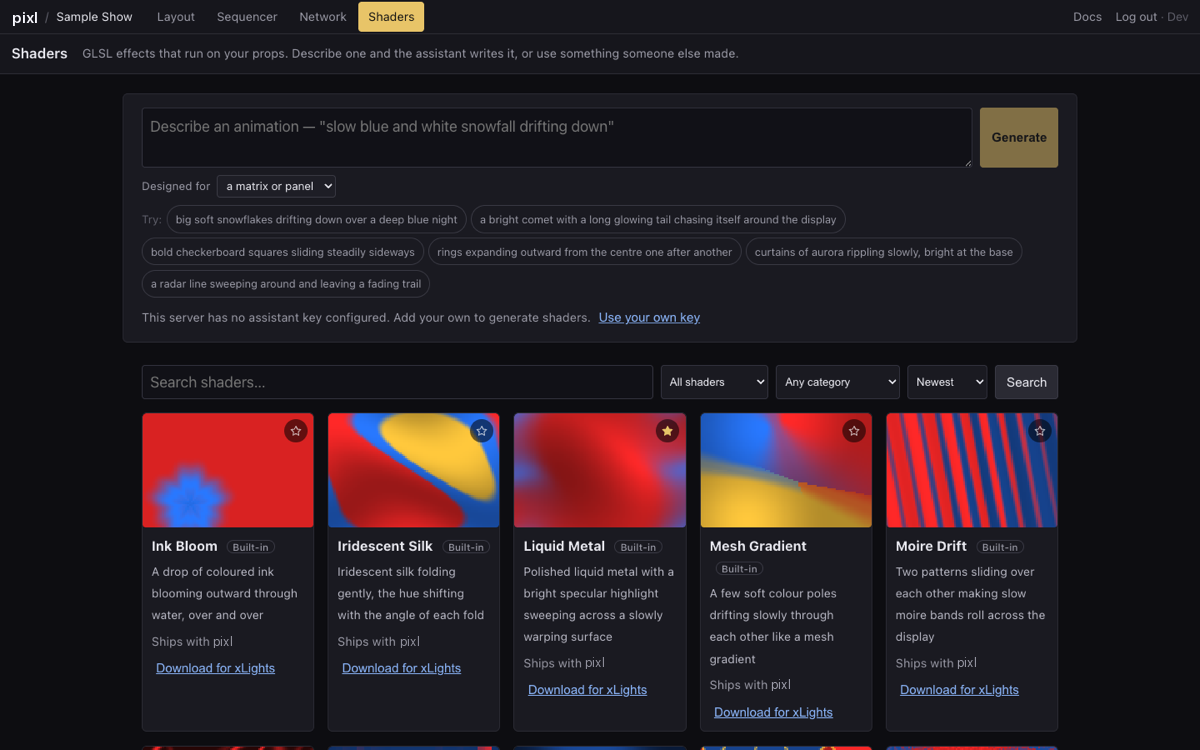
Shaders, with help
A gallery of shaders that run on real matrices, an assistant that writes new ones from a sentence, favourites, and a download button that gives you a file for xLights' Shader effect.
Controllers you can see
Chain models onto controllers by dragging, the way the xLights visualiser does, with a search box for big shows. FPP Connect for uploading to your player.
Files that look after themselves
Every change is saved. Snapshots are taken on a schedule and you can go back to any of them. Share a project with the people you sequence with.
Straight about what it is
We still use, and love, desktop xLights. It has years of work in it, far more effects, and it renders faster than anything running in a browser will. pixl is not trying to replace it. It is another option: the same ideas, in a tab, for the times you are not at the machine xLights lives on. More on how the two fit together.
It is open source under the same licence as xLights, GPL-3.0. You can read every line, run it on your own machine, or host it for your club. Here is how.
A look around